Best Simple Smartphones for Seniors (2026 Buyer’s Guide)
Affiliate Disclosure: This post contains Amazon affiliate links. As an Amazon Associate, I earn from qualifying purchases. I only recommend products I’d genuinely suggest to a friend.
If every smartphone you’ve tried feels like it was designed for someone half your age, you’re reacting to something real — most phones are. The good news is that simple smartphones for seniors are a genuine, well-established category now, built specifically around large text, fewer confusing menus, and buttons you can actually see.
This guide covers what actually makes a phone “senior-friendly” versus just smaller and cheaper, plus specific options depending on how much simplicity you want.
TL;DR
- “Senior-friendly” phones fall into two real categories: simplified Android/iPhone software on a regular smartphone, or a purpose-built simple phone with a stripped-down interface.
- Screen size and text size matter more than processor speed for almost everyone in this category.
- A dedicated emergency button, built into several senior-focused models, is worth prioritizing if you live alone.
- Battery life matters enormously if you’re not in the habit of charging a phone every night — look for phones rated for 2+ days of typical use.
- Family setup and remote support options vary a lot between brands, and matter as much as the hardware itself.
The Two Real Categories of “Senior-Friendly” Phone
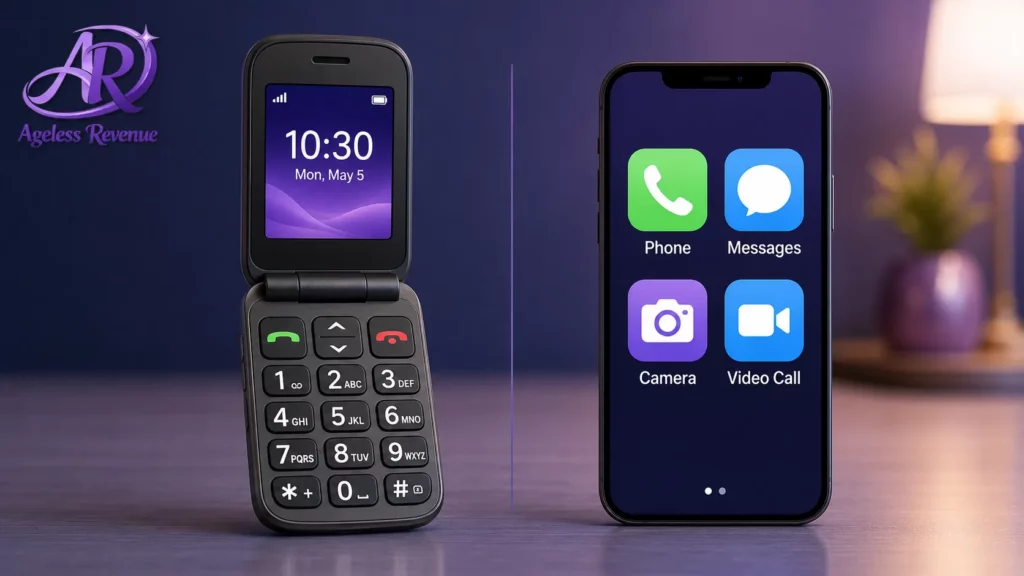
There are genuinely two different products competing under this label, and knowing the difference will save you a return trip to the store.
Simplified-mode smartphones are standard Android or iPhone devices with an “easy mode” or accessibility launcher enabled — larger icons, fewer default apps, bigger text throughout. Nearly all modern smartphones from Samsung, Google, and Apple include some version of this in their accessibility settings, and this is often the best-value option if you already own one.
Purpose-built simple phones, from brands like Jitterbug (now GreatCall/Lively) and Doro, are designed from the ground up around a single simplified home screen, dedicated large buttons, and — on some models — a physical emergency call button. These typically cost more per month in service fees but require essentially zero setup.
If budget is tight and you or a family member is comfortable adjusting a few settings once, a simplified-mode standard smartphone is usually the better value. If you want something that works exactly the same way out of the box with no ongoing tinkering, a purpose-built simple phone is worth the premium.
Comparing tablets instead? See our guide to the easiest tablets for grandparents
Screen Size and Text Size: The Two Numbers That Actually Matter
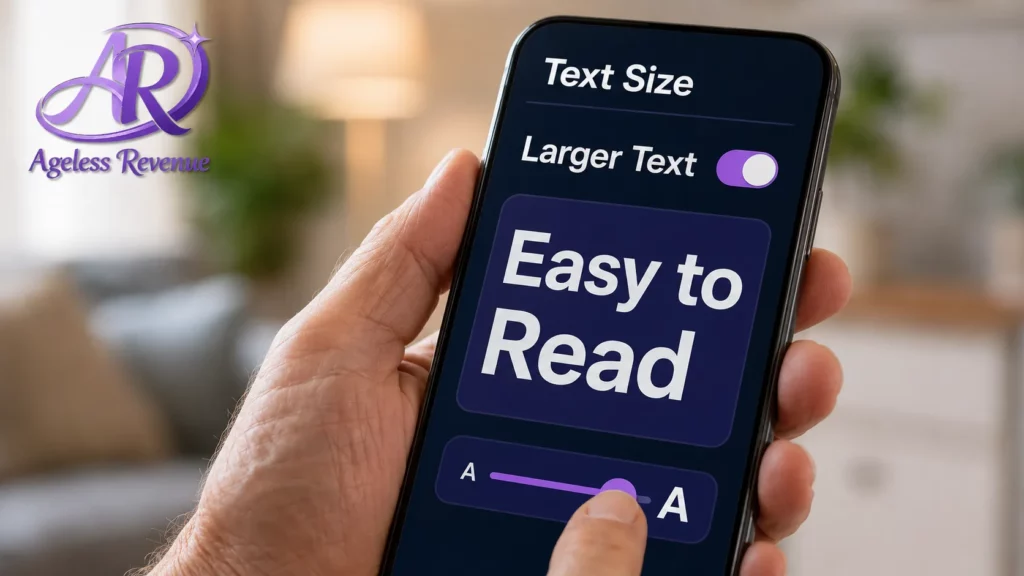
Ignore processor speed and camera megapixels for this category — they rarely matter. What matters is the screen, in two specific ways.
A larger physical screen (6.1 inches or larger) gives you more room to increase text size without everything running off the edge. Every major phone lets you increase system text size in settings; a bigger screen means that adjustment doesn’t come at the cost of seeing less information at once.
Contrast and boldness matter almost as much as size. Both iPhone and Android have a “bold text” accessibility toggle that thickens every letter on screen — a small change that makes an enormous practical difference for anyone with even mild vision changes, which describes most adults over 60.
The Emergency Button Question
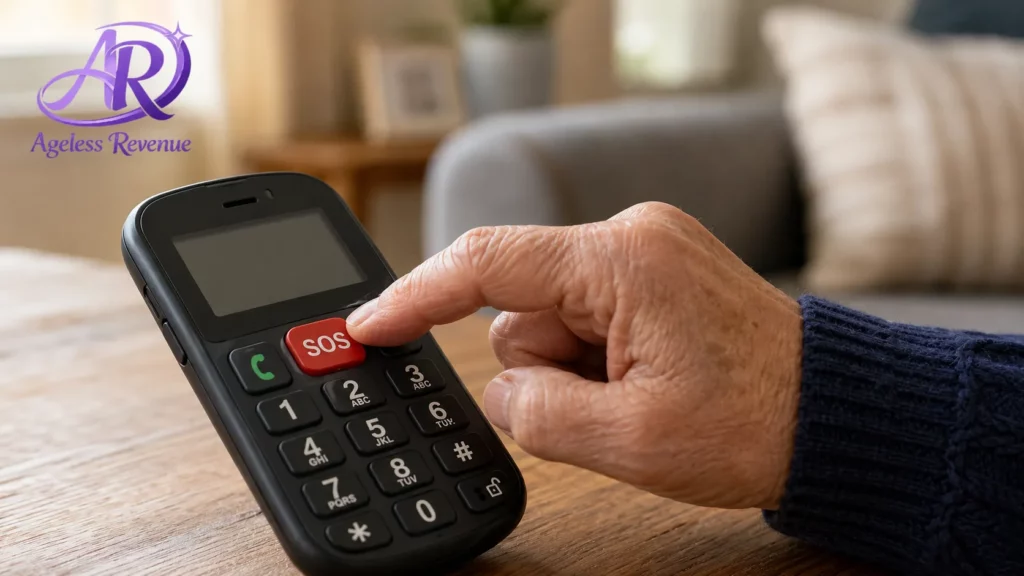
Several senior-focused phones — most notably Lively (formerly Jitterbug) models — include a dedicated urgent-response button, separate from calling 911 directly, that connects to a live agent trained to assess the situation and dispatch help or family as needed.
This is worth taking seriously if you live alone. It’s a genuinely different service than calling emergency services yourself, because it works even if you’re too disoriented, in pain, or unsure to describe an address or situation clearly. If this matters to you, it’s a good reason to lean toward a purpose-built device over a simplified-mode standard smartphone, since most emergency-button features are tied to a specific carrier service plan.
Battery Life: Ask This Question Before You Buy Anything Else
If charging a phone every single night isn’t a habit you’re confident you’ll keep, battery life should be near the top of your list — not an afterthought.
Purpose-built simple phones, because they run far fewer background apps, often last two to four days on a single charge. Standard smartphones in simplified mode, even with settings optimized, will typically still need a nightly charge. If you know a missed charge is a realistic scenario, this single factor might decide the purchase for you.
Setup and Family Support: The Feature That’s Easy to Overlook
Every phone in this category eventually needs some kind of setup, troubleshooting, or new-contact-adding — and how that happens varies more than most buyers expect.
Some senior-focused carriers offer a remote assist feature, letting an adult child log in and adjust settings, add contacts, or troubleshoot from their own phone without needing to be in the same room. If a family member will realistically be doing tech support for this phone (which is extremely common), ask specifically whether the plan includes remote assistance before choosing a device.
A Few Specific Options Worth Considering
For a purpose-built simple phone with emergency response: Lively (formerly Jitterbug) flip and smartphone models remain the most established name in this space, with large buttons, a simplified home screen, and their signature urgent-response button available as a paid add-on service.
For a standard smartphone in simplified mode: Samsung’s “Easy Mode” (available on most Galaxy phones) and Apple’s “Assistive Access” (on recent iPhones) both convert a fully standard, well-supported phone into a large-icon, simplified interface — often the best value if a family member can help with the one-time setup.
For international-style simplicity: Doro phones, long established in Europe, offer both flip-phone and simplified-smartphone models with genuinely large physical buttons and a distraction-free interface, though availability and carrier compatibility in the US varies by model.
For budget-conscious buyers: Consumer Cellular and similar senior-focused carriers often bundle a basic simplified smartphone with a low-cost, no-contract monthly plan — worth comparing against buying a phone outright if monthly cost matters more than device features.
Monthly service costs for this category vary enormously by carrier and plan — always compare current plan pricing directly with the carrier rather than relying on advertised starting prices, which often exclude fees.
The AARP technology section maintains regularly updated reviews of senior-focused phones and plans, worth checking alongside this guide before you commit to a purchase.
If monthly cost is the deciding factor, it’s worth checking whether you qualify for the FCC’s Lifeline program, which provides a monthly discount on phone service for income-eligible households and is administered nationwide, separate from any senior-specific carrier plan.
Frequently Asked Questions
What’s the real difference between a “senior phone” and a regular smartphone? Purpose-built simple phones are designed from the ground up around a single simplified home screen and large physical buttons, often at a higher monthly service cost. A regular smartphone with its accessibility “easy mode” turned on achieves a similar simplified experience using the same hardware everyone else uses, usually at lower ongoing cost.
Do I need an emergency button on my phone? Not everyone does, but if you live alone, it’s worth serious consideration. A dedicated urgent-response service is different from calling 911 yourself, because it connects you to a live agent trained to help even if you’re too disoriented or unsure to describe your situation clearly.
How much should I expect to pay per month? Costs vary significantly by carrier, plan, and whether you buy the phone outright or finance it through the carrier. Always check current pricing directly with the provider rather than relying on advertised rates, which often change and can exclude fees.
Can my adult child help set up my phone remotely if they don’t live nearby? Some carriers and phone models support remote assistance, letting a family member log in and adjust settings from their own device. This varies by provider — ask specifically about this feature before choosing a plan if you expect to need ongoing help.
Is a bigger screen always better? For readability, yes, up to a point — but a much larger phone can also be harder to hold or fit in a pocket. Look for 6.1 to 6.7 inches as a practical range that balances readability with everyday comfort.
Will my current phone number transfer to a new senior-friendly phone? In almost all cases, yes — phone number transfer (“porting”) between carriers is standard and usually free, though it can take a day or two to fully process. Ask the new carrier to confirm before canceling your old service.
The Bottom Line
The right phone in this category depends less on the brand name and more on how you answer three questions: do you want a fully custom simple device or a simplified version of a standard phone, does an emergency button matter to you, and will a family member need to help with setup down the road?
Setting up video calls with grandkids is often the main reason people upgrade in the first place. Read our guide to the easiest tablets for grandparents next if a larger screen for video calling matters more to you than portability.