
Best Medical Alert Systems for Seniors Who Live Alone
Affiliate Disclosure: This post contains Amazon affiliate links. As an Amazon Associate, I earn from qualifying purchases. I only recommend products I’d genuinely suggest to a friend.
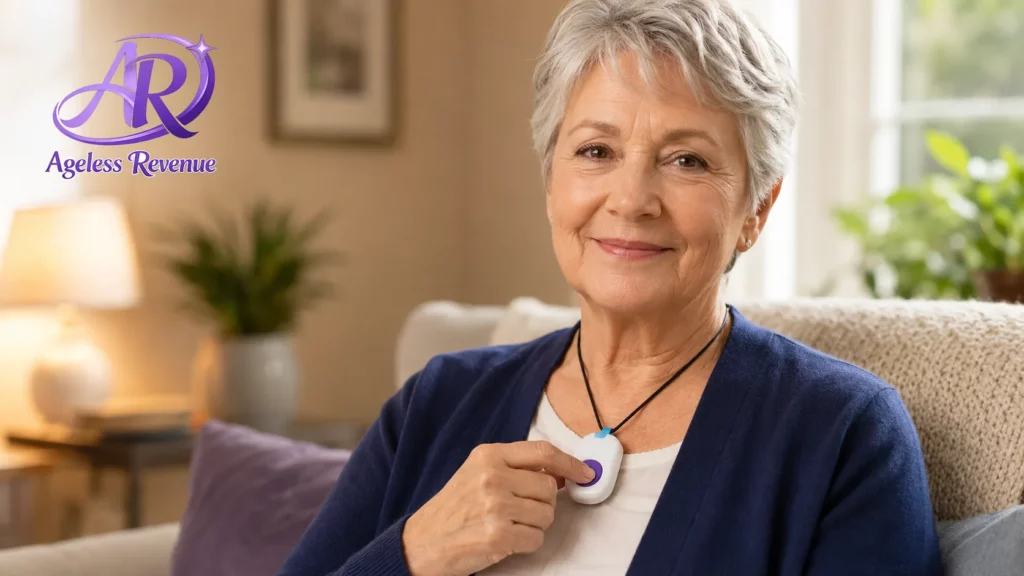
If you or someone you love lives alone, the question isn’t whether a fall or medical emergency could happen — it’s whether help could reach you quickly if it did. The best medical alert systems for seniors solve exactly this problem, connecting you to a live emergency response agent at the press of a button, whether you’re at home or out running errands.
This guide breaks down what actually matters when comparing these systems, and a few specific options worth your attention.
TL;DR
- In-home vs. mobile (on-the-go) coverage is the first real decision — mobile systems work anywhere with cellular coverage, not just inside your house.
- Fall detection technology has improved significantly, but it is not perfect — understand it as a helpful backup, not a guarantee.
- Monthly monitoring fees range roughly from $20 to $50, and equipment is often free or low-cost with a monitoring contract.
- Battery life and charging requirements vary a lot between devices — this affects how reliably the system actually works day to day.
- Read the cancellation policy before you buy — some contracts lock you in longer than expected.
In-Home vs. Mobile Systems: The First Decision to Make
Medical alert systems are split into two broad categories, and picking the right one starts with being honest about your daily routine.
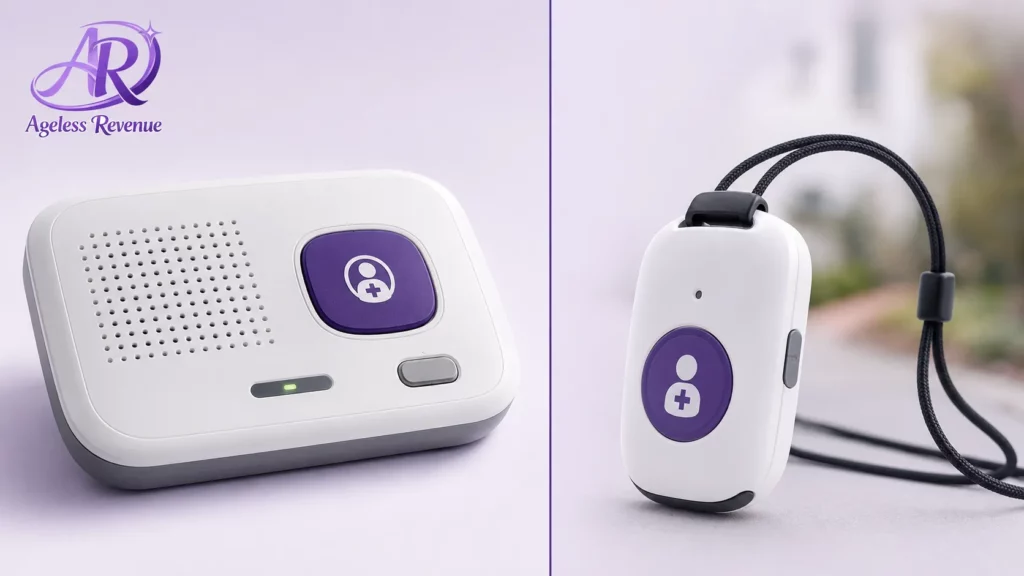
In-home systems use a base station connected to a landline or cellular signal, with a range typically covering the house and yard, usually a few hundred feet from the base unit. These are generally less expensive and simpler, but only work within that range.
Mobile (on-the-go) systems use built-in cellular and often GPS, working anywhere there’s cell coverage — at the grocery store, on a walk, visiting family. These cost somewhat more per month but remove the “what if I fall outside the house” gap entirely.
If you spend most of your day at home and rarely go out alone, an in-home system may be sufficient. If you’re active, drive, walk, or spend meaningful time outside the house alone, a mobile system is worth the extra monthly cost.
Choosing the Best Medical Alert Systems for Seniors
Fall Detection: A Genuinely Useful Backup, Not a Guarantee
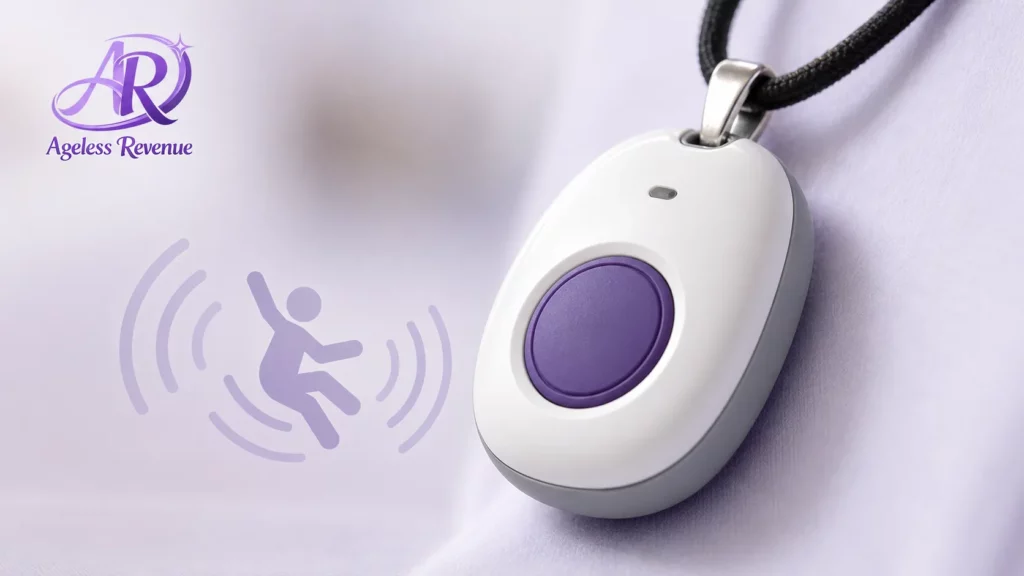
Many modern medical alert devices include automatic fall detection, using motion sensors to recognize a fall and trigger a call for help even if you’re unable to press the button yourself — which matters enormously, since a fall can sometimes leave someone unconscious or too disoriented to respond.
It’s worth understanding honestly that fall detection technology, while genuinely improved in recent years, is not perfect. It can occasionally miss a real fall (particularly a slow, gradual one) or trigger a false alarm from sudden movement like sitting down quickly. Think of it as a valuable backup layer, not a replacement for being able to press the button yourself when you can.
Monitoring Fees: What You’re Actually Paying For Each Month
The device itself is often free or low-cost, but nearly every medical alert system requires an ongoing monthly monitoring fee — this is what actually pays for a live agent to be available 24/7 to answer your call for help.
Monthly fees for this category typically range from around $20 for a basic in-home system up to $50 or more for a mobile system with fall detection included. Always check current pricing directly with the provider, since promotional rates, equipment fees, and contract terms change often and vary by provider.
Battery Life and Charging: The Detail That Determines Real-World Reliability
A medical alert system is only as good as its battery on the day you actually need it, which makes charging requirements a genuinely important comparison point, not a minor detail.
Pendant-style devices typically need charging every few days to a week, depending on the model, while some newer devices are designed to last several weeks between charges. If forgetting to charge a device regularly is a realistic concern — for yourself or someone you’re helping set this up for — prioritize a longer battery life model, or one with an easy reminder system built into the companion app.
Wearable Style: Pendant, Wristband, or Clip
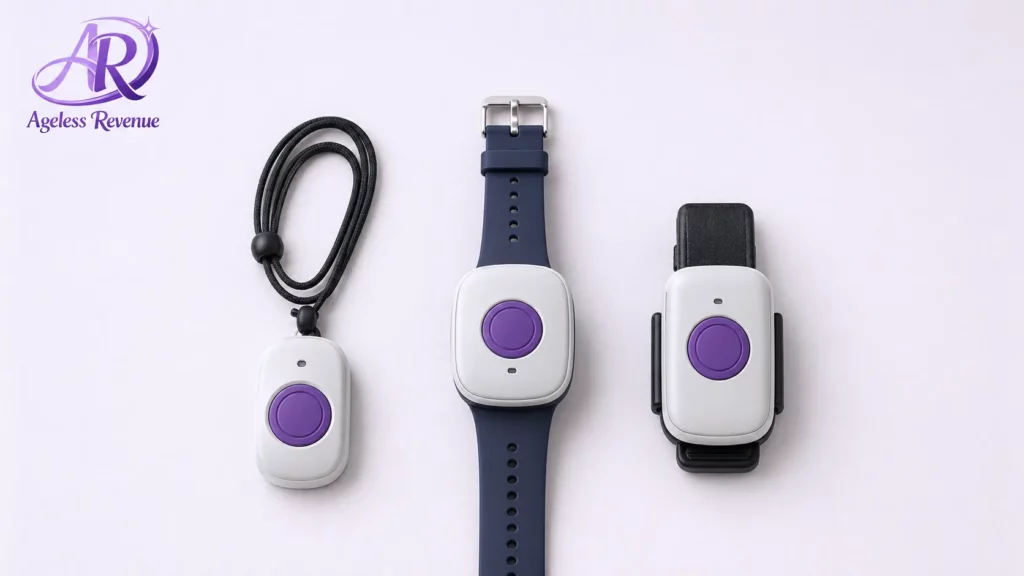
The device itself needs to actually be worn to work, which sounds obvious but turns out to be one of the biggest practical failure points in this category — a device sitting in a drawer helps no one.
Pendant-style necklaces are the traditional option and work well for most people. Wristband styles, resembling a watch, are worth considering for anyone who finds a necklace uncomfortable or is more likely to consistently wear something that looks like a normal watch. Clip-on options attach to a belt or waistband, a reasonable choice for anyone who prefers not to wear anything around the neck or wrist at all.
The best device, in practice, is the one that actually gets worn every day — so it’s worth involving the person who’ll be wearing it in this specific choice rather than deciding based on features alone.
For a broader look at aging-in-place technology, see our simple home security cameras guide.
Contract Terms and Cancellation: Read This Before You Sign Up
Some medical alert providers require a minimum contract length (often a year), while others offer month-to-month billing with no long-term commitment. This detail is easy to skip past during setup, but matters enormously if circumstances change — a move to assisted living, for instance, or simply deciding the system isn’t the right fit.
Before committing, confirm in writing: the cancellation notice period required, whether there’s an early termination fee, and whether equipment needs to be returned (and who pays return shipping). A reputable provider will have clear, easily found answers to all three questions.
A Few Specific Options Worth Considering
For in-home coverage with a strong reputation: Established providers like Medical Guardian and Bay Alarm Medical offer straightforward in-home base station systems with 24/7 monitoring and month-to-month billing options.
For mobile, on-the-go coverage: MobileHelp and similar mobile-focused providers offer GPS-enabled devices that work anywhere with cellular coverage, a better fit for anyone who’s active and spends real time away from home alone.
For automatic fall detection: Look specifically for devices marketed with “auto fall detection” as a named feature and add-on — it typically costs a few dollars more per month but is worth strong consideration for anyone with a fall history or significant mobility concerns.
For a simple, no-frills option: Life Alert remains one of the most recognized names in this category, historically requiring a longer contract term — worth comparing directly against month-to-month competitors before committing.
Frequently Asked Questions
How much does a medical alert system typically cost per month? Plan on roughly $20 to $50 per month, depending on whether you choose in-home or mobile coverage and whether fall detection is included. Always confirm current pricing directly with the provider, since rates and promotions change.
Do I need a landline for a medical alert system to work? No — most modern systems use a cellular connection built into the base station or device, so a landline is not required. This wasn’t always true of older systems, so it’s worth confirming for any specific device you’re considering.
Is fall detection reliable enough to depend on completely? It’s a genuinely valuable backup layer but not perfect — it can occasionally miss a slow or gradual fall, or trigger a false alarm from sudden movement. Treat it as an added safety net, not a replacement for being able to press the button yourself.
What happens when I press the button? You’re connected to a live emergency response agent, typically within seconds, who can talk with you through the device’s speaker, assess the situation, and dispatch emergency services or contact a family member as appropriate.
Can I take a mobile medical alert device with me when I travel? Yes, in most cases, mobile devices work anywhere there’s cellular coverage, which for most major carriers includes nationwide coverage. Confirm with your specific provider if international travel is a consideration.
What should I check before signing a contract? Confirm the minimum contract length, any early cancellation fee, and the process (and cost) for returning equipment if you cancel. Providers with clear, easily available answers to these questions are generally the more trustworthy option.
Falls are a genuine driver behind why so many families look into this category in the first place. According to the National Council on Aging, one in four Americans over 65 falls each year, and falling is not an inevitable part of aging — it’s a risk that can be reduced with the right precautions, of which a medical alert system is one part. The CDC tracks national falls data and offers additional context on how common and preventable these incidents really are.
The Bottom Line
A medical alert system isn’t about assuming the worst — it’s about making independence genuinely safer, for you or someone you love. Start by being honest about how much time is spent outside the house alone, then compare monthly costs and contract terms carefully before committing.
Home security is often the next natural step after a medical alert system. See our guide to simple home security cameras for seniors for an easy, no-fuss way to add an extra layer of peace of mind at home.