
Best Video Doorbells for Seniors Living Alone
Affiliate Disclosure: This post contains Amazon affiliate links. As an Amazon Associate, I earn from qualifying purchases. I only recommend products I’d genuinely suggest to a friend.
Not knowing who’s at the door before you open it is a small thing that can feel like a big deal when you live alone. The best video doorbells for seniors solve this simply — see and speak to whoever’s outside from your phone or a simple in-home display, without ever needing to open the door to a stranger.
This guide covers what actually matters when choosing one, and a few specific options worth considering.
TL;DR
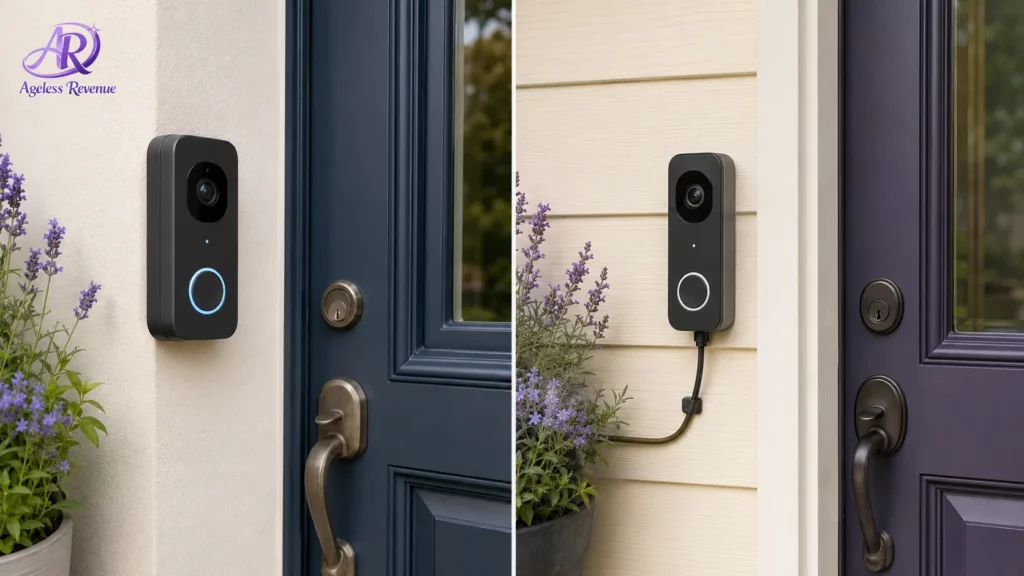
- Battery-powered vs. wired is the first real decision — wired doorbells avoid battery charging entirely but require some basic electrical know-how (or an electrician) to install.
- Two-way talk lets you speak to a visitor without opening the door — arguably the single most valuable safety feature in this category.
- Look specifically for a large, clear notification and an easy-to-navigate companion app, since the best hardware is useless if the software is confusing.
- Subscription costs for video storage vary a lot between brands — factor this into the real ongoing cost, not just the device price.
- Installation is often simpler than it looks, but a family member or handyman can usually help in under an hour if needed.
Battery-Powered vs. Wired: The First Real Decision
Video doorbells split into two installation types, and the right choice depends mostly on your existing doorbell wiring and comfort with basic installation.
Battery-powered models install in minutes with just a screwdriver — no wiring required at all. The tradeoff is a battery that needs recharging every one to three months, depending on usage, which means occasionally removing the doorbell from its mount to charge it.
Wired models connect to your home’s existing doorbell wiring (if you have it), providing continuous power with no charging required, but installation involves working with low-voltage wiring, which some people are comfortable doing themselves, and others prefer to have a family member or electrician handle.
If your home doesn’t already have doorbell wiring, or you’d simply rather avoid any wiring work, a battery-powered model is the more straightforward choice, with the small tradeoff of periodic charging.
For added home security, see our guide to simple home security cameras for seniors.
Two-Way Talk: The Single Most Valuable Safety Feature
Being able to see who’s at the door is useful, but being able to speak with them without opening the door is where the real safety benefit lives, particularly for anyone living alone.
Every video doorbell worth considering in this category includes two-way audio, letting you say “I’ll be right there” to a delivery driver, or simply “I’m not interested, thank you” to an unwanted visitor, all from the safety and comfort of your phone or an in-home display — whether you’re in the next room or, with cellular notification, anywhere with a signal.
Notifications and App Simplicity: Where Good Hardware Often Falls Short
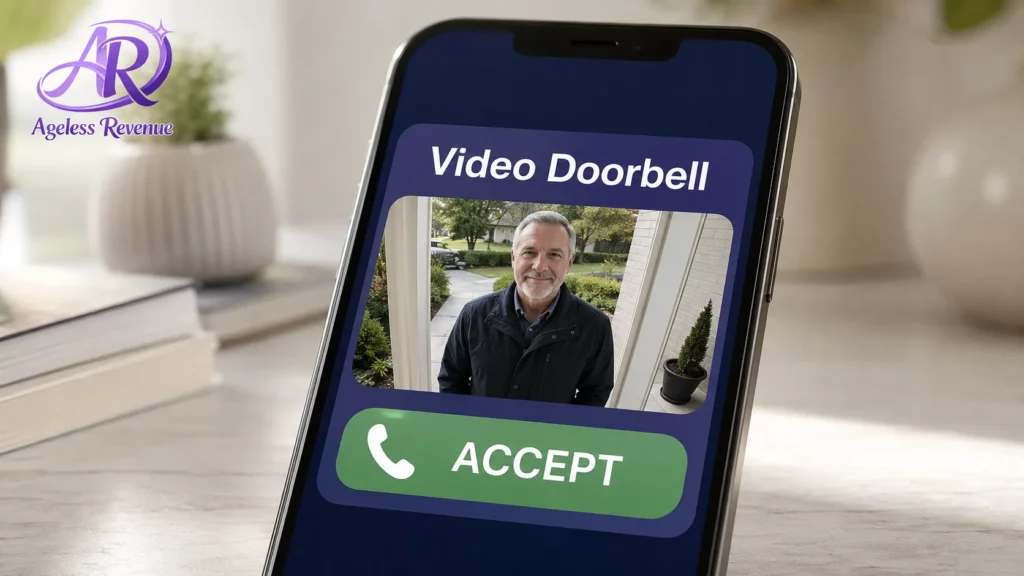
A video doorbell is only as useful as the notification that tells you someone’s there and the app you use to respond — and this is genuinely where quality varies most between brands, more than the camera or audio hardware itself.
Look specifically for a companion app described as simple or senior-friendly in reviews, with large, clear buttons for viewing the camera and starting two-way talk. Some brands also support an optional in-home display (a small screen that shows the doorbell feed directly, no phone required), which is worth considering if navigating a phone app at any time pressure feels stressful.
Subscription Costs: The Ongoing Expense Hiding Behind the Sticker Price
Nearly every major video doorbell brand offers some video features for free (typically live view and two-way talk), but recording and storing video history for later review usually requires a monthly or annual subscription.
Before buying, check specifically what’s included for free versus what requires a subscription, and what that subscription actually costs per month. If reviewing past footage (say, checking who visited while you were out) matters to you, factor that ongoing cost into your comparison — it can meaningfully change which brand offers the better overall value.
Field of View and Video Quality: Enough to See Clearly, Not a Spec Race
Camera resolution numbers can be tempting to compare directly, but for most home use, this isn’t where meaningful differences show up in practice.
What matters more is the field of view — a wider angle lens captures more of your porch and front walkway, useful for seeing packages or a full person rather than just a face close to the camera. Night vision quality is also worth checking specifically, since evening and early morning visibility is often when a video doorbell proves most useful.
For a broader look at aging-in-place safety technology, see our medical alert systems guide.
Installation: Easier Than It Looks, But Help Is Available
Many people assume installing a video doorbell requires an electrician, and while wired models do involve some basic wiring, most manufacturers design the process to be manageable with a screwdriver and the included instructions.
That said, there’s no shame in asking for help — most family members, a handyman, or your existing home security or cable installer can typically complete a video doorbell installation in under an hour. If wiring makes you at all uncertain, it’s a reasonable and inexpensive thing to have someone else handle rather than risk an installation mistake.
A Few Specific Options Worth Considering
For the most established brand with wide compatibility, Ring video doorbells remain the most recognized name in this category, with both battery and wired models, a well-reviewed companion app, and broad compatibility with existing smart home setups.
For strong video quality and no-subscription local storage options: Eufy video doorbells offer competitive video quality with the option of local (rather than cloud) storage on some models, which can reduce ongoing subscription costs.
Finding the Best Video Doorbells for Seniors
When searching for the best video doorbells for seniors, consider the features that prioritize safety and ease of use to ensure a comfortable experience.
For integration with Google smart home devices: Google Nest video doorbells work seamlessly with Google Home displays and speakers, a good fit if your household already uses Google smart home devices.
For the simplest possible notification experience: Look for models specifically offering an optional in-home display accessory — this shows the doorbell feed on a small dedicated screen, removing the need to navigate a phone app entirely for basic viewing and talking.
Device prices and subscription costs vary by brand and change frequently — always check current pricing before purchasing, and read the subscription terms carefully if video history matters to you.
Consumer Reports’ video doorbell ratings independently test data privacy and security alongside video quality, worth checking before you settle on a brand. Once installed, the FTC’s guide to securing internet-connected devices has straightforward steps for keeping any smart home device, including a video doorbell, protected from unauthorized access.
Frequently Asked Questions
Do I need WiFi for a video doorbell to work? Yes, nearly all video doorbells connect through your home WiFi network to send notifications and video to your phone. A stable WiFi signal reaching your front door is worth confirming before purchasing, since a weak signal can cause delayed or missed notifications.
Can I use a video doorbell without a smartphone? Most rely on a smartphone app for full functionality, but several brands offer an optional in-home display that shows the feed on a dedicated screen, which is worth seeking out if a phone app feels like an unnecessary complication.
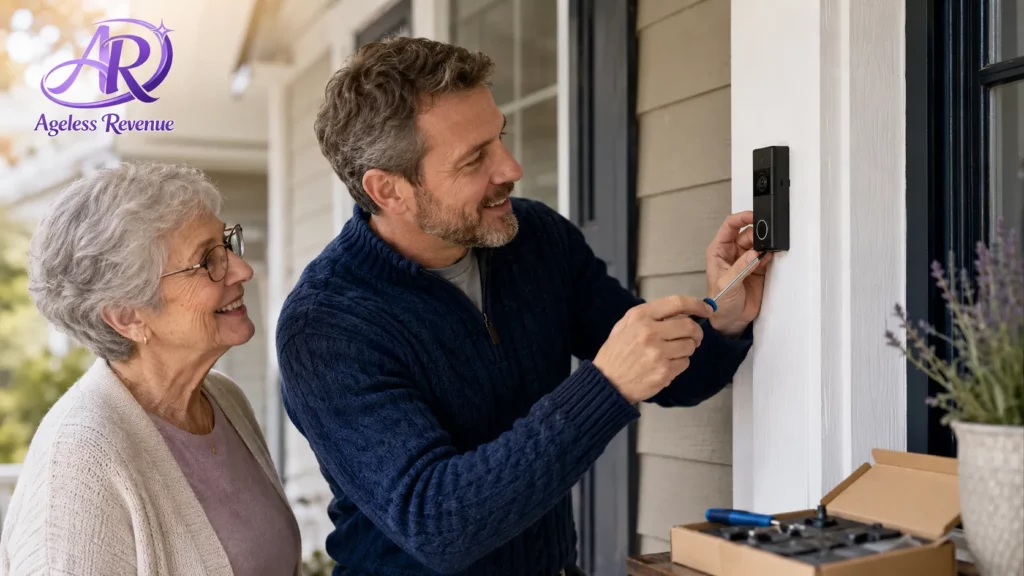
Is installation something I can do myself? Battery-powered models are generally straightforward with just a screwdriver. Wired models involve basic electrical wiring, which some people handle themselves comfortably, and others prefer to have a family member or professional handle — either is a completely reasonable choice.
Do I have to pay a monthly subscription? Live view and two-way talk are typically free with most brands, but recording and storing video for later review usually requires a subscription. Check the specific terms for any brand you’re considering before assuming a feature is included.
How long does the battery last on a battery-powered model? Typically, one to three months between charges, depending on how much activity (visitors, package deliveries, motion triggers) the camera detects each day. Higher-traffic homes will need more frequent charging.
Will a video doorbell actually make me safer, or is it more of a convenience feature? Both — the convenience of seeing who’s there before opening the door has a genuine safety dimension, particularly for anyone living alone, since it removes the need to open the door to an unknown visitor at all.
The Bottom Line
A video doorbell is one of the simplest, most immediately useful pieces of home technology for anyone living alone — install it once, and you gain the ability to see and speak with visitors without ever opening the door unprepared.
For a fuller picture of home safety technology, keep exploring. See our guide to simple home security cameras for seniors to round out a complete, easy-to-manage home security setup.