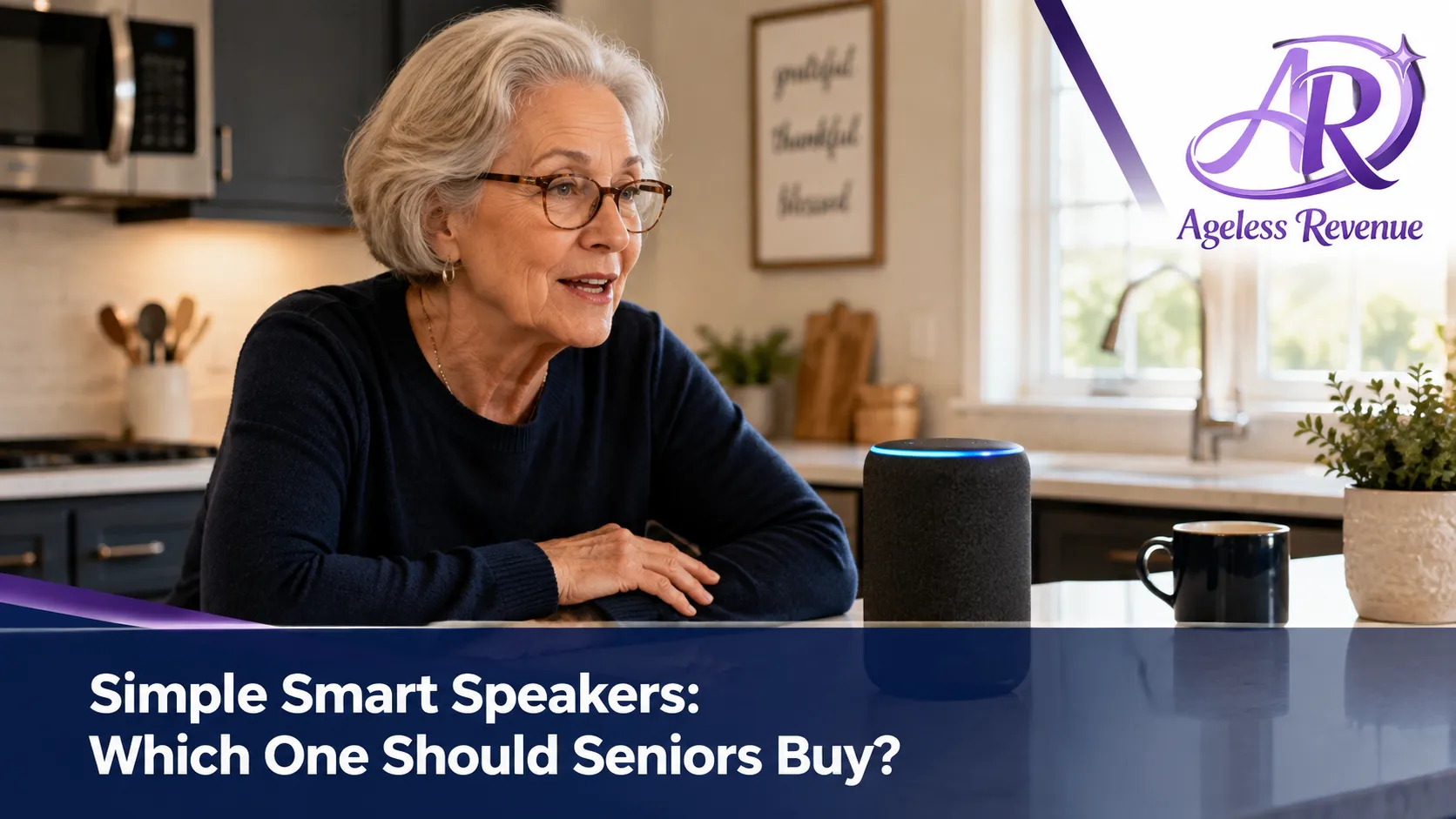
Simple Smart Speakers: Which One Should Seniors Buy?
Affiliate Disclosure: This post contains Amazon affiliate links. As an Amazon Associate, I earn from qualifying purchases. I only recommend products I’d genuinely suggest to a friend.
A smart speaker can be genuinely useful for a retiree living alone — setting reminders, calling family hands-free, playing music without fiddling with a phone — but only if it’s set up around a small number of things you’ll actually use, not the full sprawling feature set most tech reviews focus on. The question of which smart speaker seniors should buy has less to do with brand and more to do with which ecosystem your family already uses. When considering options, keep in mind the best smart speaker for seniors that fits their needs.
Here’s how to think through the decision, and a few specific options worth considering.
The Best Smart Speaker for Seniors to Enhance Daily Life
TL;DR
- The single biggest factor is which ecosystem your family already uses — Amazon Alexa or Google Assistant — since that determines how easily a family member can help set it up and manage it remotely.
- Hands-free emergency and family calling is often the single most valuable feature for anyone living alone, more than music or weather.
- Voice recognition accuracy varies meaningfully between devices and matters more than any other spec for actual day-to-day usability.
- Screen-equipped smart displays add real value for video calling but cost more and add a layer of complexity worth weighing honestly.
- Setup is almost always done by someone else the first time — plan for that rather than expecting to do it entirely solo.
Alexa vs Google: The Decision That Matters More Than Any Feature
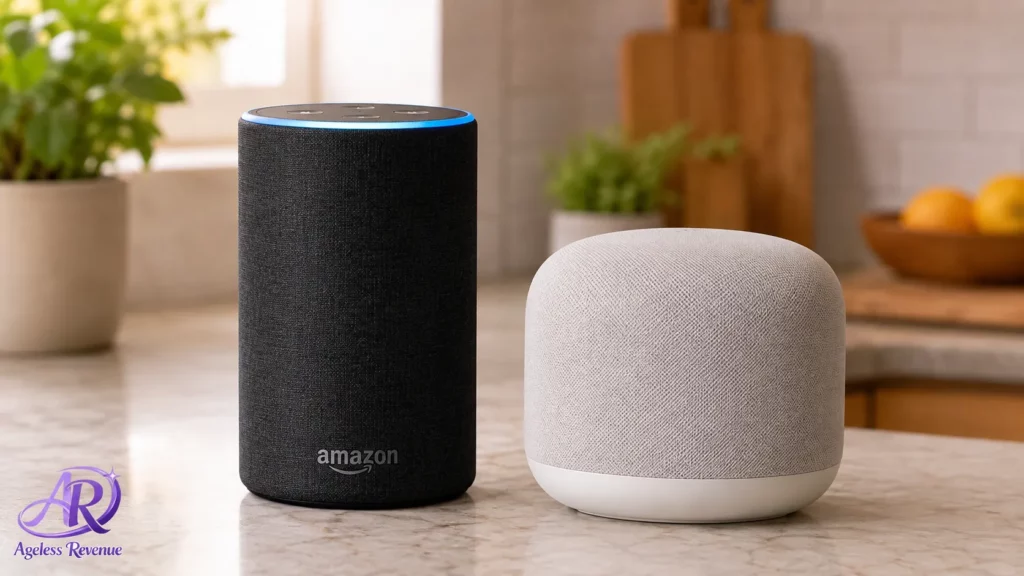
Before comparing individual devices, the ecosystem question matters most. If family members already use Amazon Alexa devices, an Echo speaker lets them add reminders, set up calling contacts, or troubleshoot settings remotely through the same app they already know. The same logic applies to Google Assistant and Google Nest speakers if your family already uses Google Home devices or Android phones.
Buying into the ecosystem your family isn’t already using means whoever helps you gets to relearn a new system too — a small thing that adds real friction to the ongoing support most people end up needing.
Hands-Free Calling: Often the Most Valuable Feature, Underrated on Spec Sheets
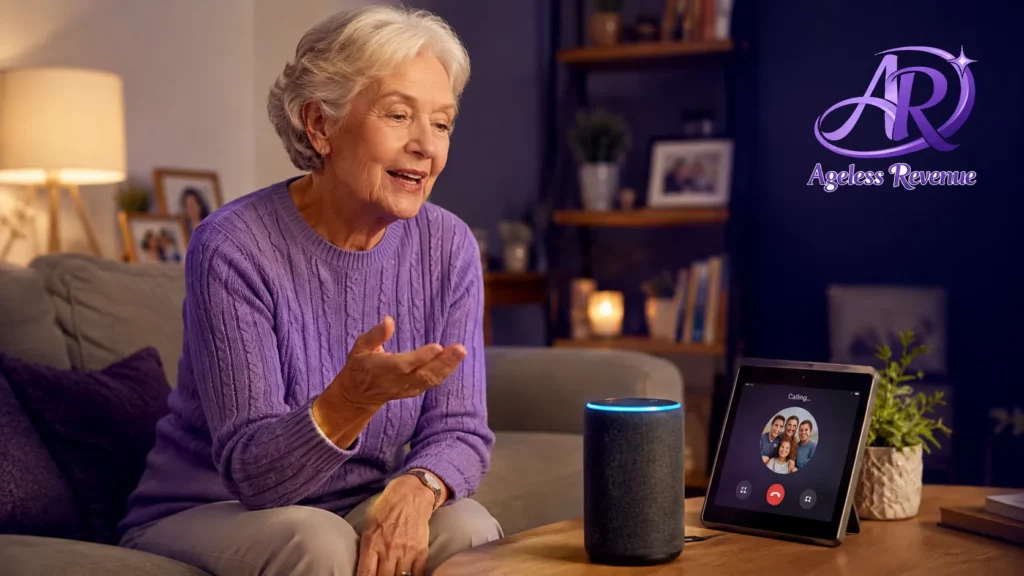
Both Alexa and Google smart speakers support hands-free calling to set contacts — meaning you can say a simple voice command to call a family member without picking up a phone, dialing, or navigating any screen at all. For anyone managing reduced dexterity, vision changes, or simply the ordinary friction of picking up and unlocking a phone, this feature alone can justify the purchase.
Setting this up requires linking contacts through the companion app — again, usually done once by a family member — after which calling becomes as simple as saying a name out loud from anywhere in the room.
Voice Recognition: The Spec That Actually Determines Daily Usability
This is the factor that separates a genuinely useful smart speaker from a frustrating one, and it’s rarely emphasized in marketing. A speaker with poor far-field voice recognition will frequently mishear commands, especially with background noise (a TV, running water, or simply a quieter or less distinct voice), leading to repeated re-asking that erodes trust in the device quickly.
Reviews specifically mentioning “accurate in noisy environments” or “responsive from across the room” are worth weighing more heavily than a feature list, since this is the difference between a device that gets used daily and one that gets abandoned after a frustrating first week.
Smart Displays: Worth the Extra Cost for Video Calling Specifically
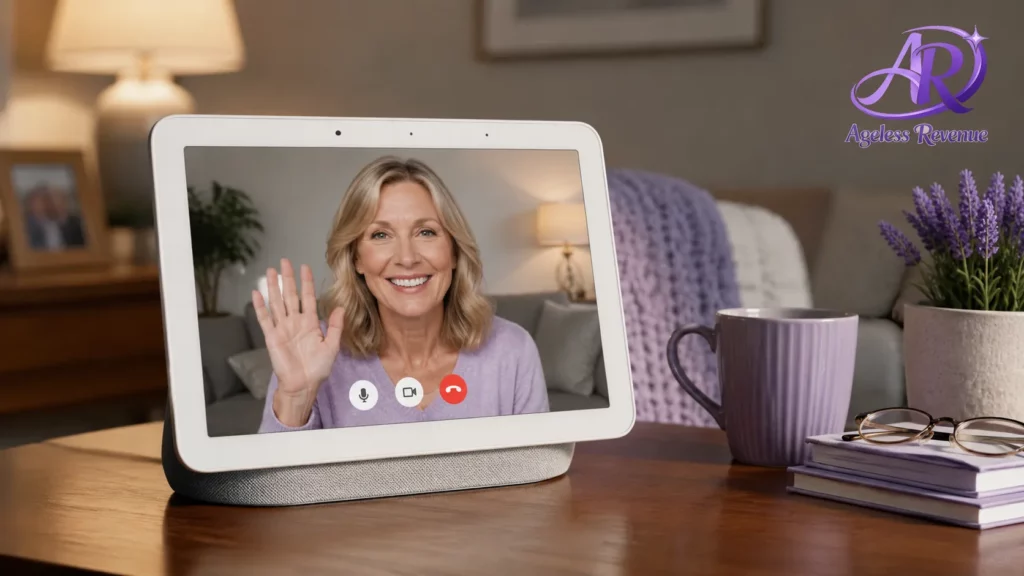
Screen-equipped smart displays (like Echo Show or Google Nest Hub models) add a genuinely valuable feature for many retirees: video calling that shows the other person’s face automatically when they call, without needing to answer anything manually.
The tradeoff is a meaningfully higher price and a slightly steeper learning curve than a voice-only speaker, since there’s now a screen interface to navigate as well. If video calling with grandchildren is a primary use case, the added cost is usually worth it. If voice features (reminders, music, hands-free calling) cover what you actually want, a simpler voice-only speaker is a reasonable, lower-cost choice.
Setup: Plan for Family Help, Not Solo Setup
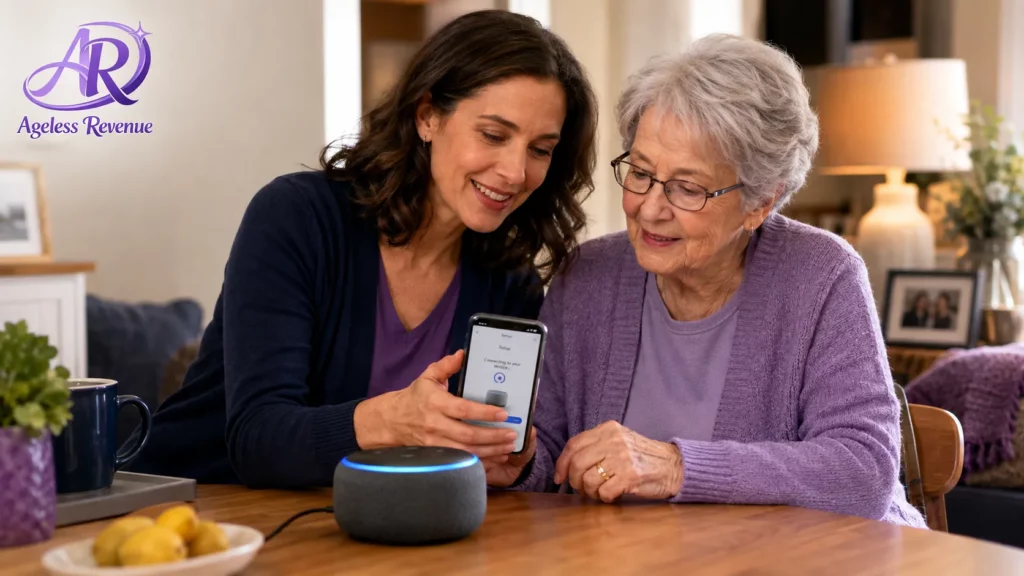
Nearly every smart speaker requires an initial setup involving a smartphone app, a WiFi connection, and account creation — a process that’s genuinely easier with a second pair of hands the first time through, regardless of how tech-comfortable you are.
Once initial setup is complete, day-to-day use is entirely voice-based and doesn’t require touching the app again for routine tasks. It’s really only the first-time setup, and any later reconfiguration, where family help matters.
A Few Specific Options Worth Considering
For the most established, widely reviewed option: Amazon Echo Dot (voice-only) offers the core hands-free calling, reminders, and music features at an accessible price point, with the largest ecosystem of compatible smart home devices if you expand later.
For Google ecosystem households: Google Nest Mini provides equivalent core functionality within the Google Assistant ecosystem, a better fit if your family already uses Android phones or other Google Home devices.
For video calling specifically: Amazon Echo Show or Google Nest Hub (screen-equipped models) add automatic video calling and visual reminders, worth the added cost if staying face-to-face with family is a priority.
For the simplest possible starting point: A basic Echo Dot or Nest Mini, set up initially by a family member with just 2–3 core skills enabled (calling, reminders, weather), avoids the overwhelm of a device trying to do everything at once.
Smart speaker prices vary by model and frequently go on sale — always check current pricing before purchasing, since bundle deals and promotional pricing shift often in this category.
The AARP technology section maintains regularly updated smart home device reviews geared toward older adults. Once set up, the FTC’s guide to securing internet-connected devices is worth a read to keep any smart speaker’s account settings and privacy protected.
Frequently Asked Questions
Do I need a smartphone to use a smart speaker day to day? No — once set up, a smart speaker operates entirely through voice commands. A smartphone is really only needed for the initial setup and any later reconfiguration of settings or contacts.
Which is easier for a beginner, Alexa or Google Assistant? Both are comparably easy to use day to day. The better choice usually comes down to which ecosystem a family member who’ll help with setup and support already knows.
Can a smart speaker call 911 in an emergency? Some models support emergency calling features, but this varies by device and isn’t universal — a dedicated medical alert system remains the more reliable choice for emergency response specifically, since that’s its core purpose.
Will a smart speaker actually understand my voice if I don’t speak clearly or loudly? Voice recognition accuracy varies meaningfully between devices. Reviews mentioning strong performance in noisy environments or from a distance are worth checking specifically if a softer or less distinct voice is a concern.
Is a smart display worth the extra cost over a voice-only speaker? It depends on whether video calling matters to you specifically. For voice-only features like reminders, music, and hands-free calling, a simpler voice-only speaker covers the core value at a lower price.
How much technical knowledge do I need to set one up myself? Initial setup involves a smartphone app and WiFi connection, which is genuinely easier with help the first time. Day-to-day use afterward requires no technical knowledge at all — it’s entirely voice-based.
The Bottom Line
The right smart speaker isn’t necessarily the one with the most features — it’s the one that matches your family’s existing ecosystem and covers the two or three things you’ll actually use daily, set up once with help rather than figured out entirely alone.
If safety and living alone are the bigger underlying concern, keep exploring. See our full guide to medical alert systems for seniors for a device built specifically around emergency response, rather than general convenience.