Last Updated on 2 days ago by Gila

INTRO
Picture this: you’ve spent days building your first affiliate website, it finally looks great, you click “Go Live” — and then nothing happens. No visitors. No impressions in Google Search Console. No idea what went wrong.
That’s not a content problem. That’s a launch problem — and it has a clear, step-by-step fix.
Building your site and launching it correctly are two distinct steps, and most beginner guides only teach the first one. If you’re reading this before — or just after — going live (After your site is built, your next step is the launch checklist — 12 things to do before and after going live), you’re in exactly the right place. This checklist covers the 12 actions that tell Google your site exists: from sitemap submission to indexing requests to the one WordPress setting that silently blocks search engines without you ever knowing.
Do these once, in order, and your site has the strongest possible foundation from day one.
TL;DR — Your Affiliate Site Launch Checklist (2026)
This page covers what to do after your site is built — the steps most beginners miss that determine whether Google finds you.
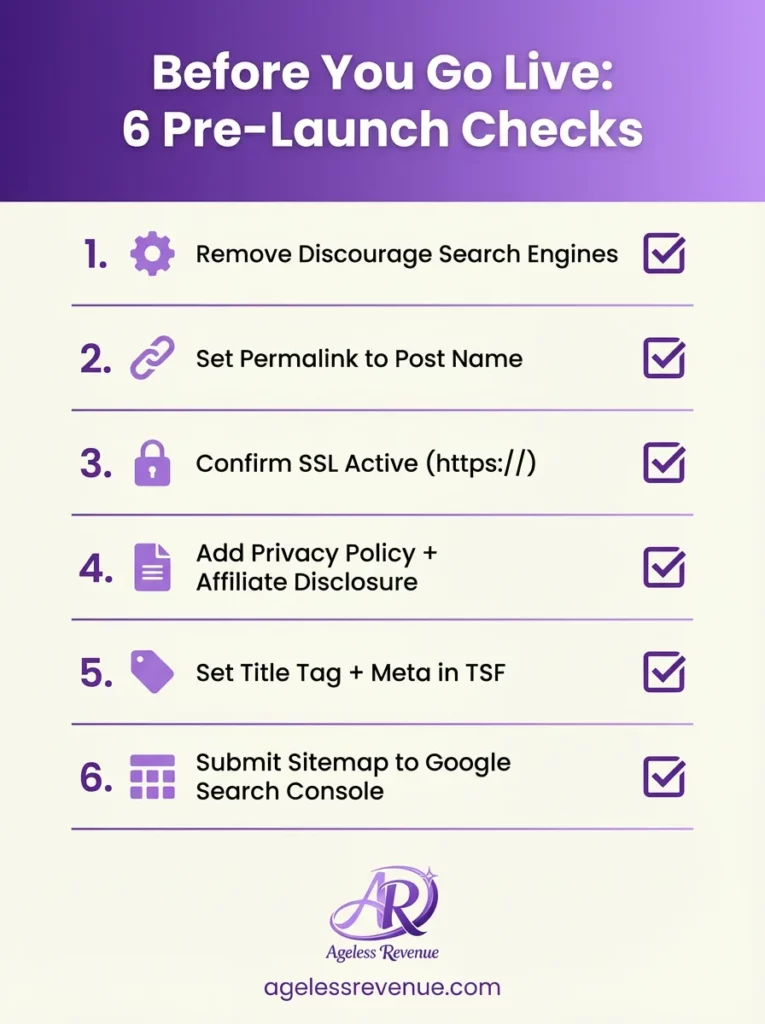
Before you go live (6 checks):
Once Wealthy Affiliate walks you through the build, here’s exactly what to do after going live
- Remove “Discourage search engines” — WordPress Settings → Reading
- Set permalinks to /post-name/ — Settings → Permalinks → Save
- Confirm SSL is on (your URL must start with https://)
- Add a Privacy Policy page and an Affiliate Disclosure page
- Set your TSF title tag and meta description on your 3 key pages
- Submit your sitemap to Google Search Console
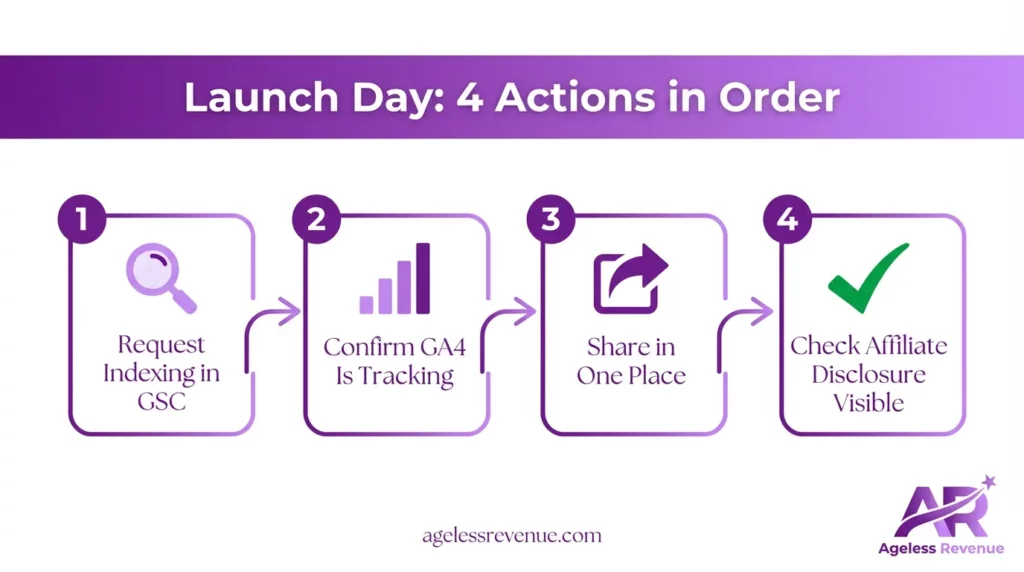
Launch day (4 actions):
- GSC → URL Inspection → Request Indexing for your homepage + 2 best posts
- Confirm Google Analytics 4 is tracking (check Real-Time report)
- Share your first post in one place — Pinterest, a Facebook group, or your email list
- Verify your affiliate disclosure is visible on every post that contains links
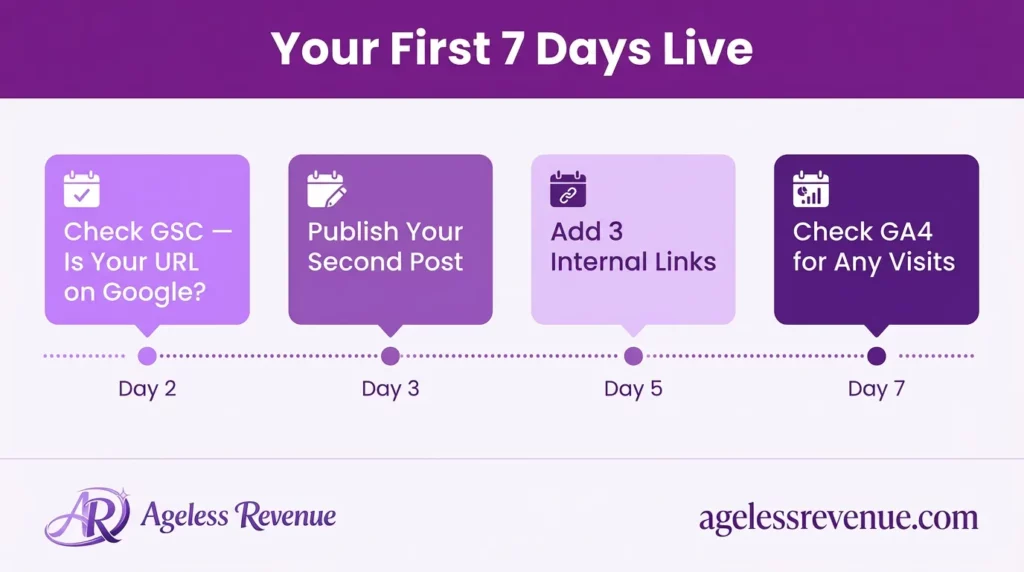
Your first 7 days:
- Day 2: GSC → URL Inspection — does your homepage say “URL is on Google”?
- Day 3: Publish your second post
- Day 5: Add 3 internal links connecting your posts to each other
- Day 7: Check GA4 — did anyone visit? Even 1 session means it’s working
The rule: Do these once, in this order. Skip them, and your site can sit invisible for weeks — even if the content is excellent.
Section 1: Before You Go Live (6 Pre-Launch Checks)
Before you go live, work through the full affiliate website launch checklist to make sure Google finds you from day one.
Before you share your URL with anyone — or ask Google to index you — run through these six checks. They take about 20 minutes total and prevent the most common launch mistakes.
Check 1: Remove “Discourage Search Engines”
This is the single most common reason new sites stay invisible on Google. WordPress has a setting that tells search engines to stay away — and it’s easy to leave it ticked by accident.
Where to find it: WordPress Dashboard → Settings → Reading → scroll to the bottom → make sure “Discourage search engines from indexing this site” is NOT checked → Save Changes.
If this box is ticked, Google cannot index your site — no matter how good your content is.
Check 2: Set Your Permalink Structure
Your permalink structure controls what your URLs look like. Clean, readable URLs rank better and are easier for visitors to trust.
Where to set it: Settings → Permalinks → select “Post name” → Save Changes.
Do this before you publish anything. If you change it later, existing URLs will break and you’ll need to set up redirects.
Check 3: Confirm SSL Is Active
Your site URL must start with https:// (not http://). The “s” stands for secure — Google uses this as a ranking signal, and browsers show a “Not secure” warning on sites without it.
How to check: open your site in any browser. A padlock icon in the address bar = SSL is on. “Not secure” = contact your hosting support. They can fix this in minutes.
Check 4: Add Your Legal Pages
You need two pages before you go live:
- Privacy Policy — required if you use analytics, collect emails, or have visitors from the EU, UK, or California
- Affiliate Disclosure — required by the FTC whenever you earn commissions from links you recommend
Both pages protect you legally and are checked by affiliate programs — including Amazon Associates — before they approve your application.
Check 5: Set Your Title Tag and Meta Description in TSF
Your title tag and meta description are what people see in Google search results. Set them before you submit your site to Google — not as an afterthought.
In The SEO Framework: open each key page in the WordPress editor → scroll to the TSF meta box → click the Title tab → paste your approved title → click the Description tab → paste your meta description → click Update.
Check 6: Submit Your Sitemap to Google Search Console
Your sitemap is a complete list of every URL on your site. Submitting it gives Google a clear map of your content rather than leaving it to find pages by chance.
In GSC: Indexing → Sitemaps → type sitemap_index.xml → Submit. You should see “Success” within a few minutes.
Section 2: Launch Day (4 Actions)
Your pre-launch checks are done. Here’s what to do on the day you go live — in this order.
Action 1: Request Indexing for Your Key Pages
Submitting your sitemap tells Google your site exists. Requesting indexing tells it to prioritise specific pages right now.
In GSC: paste your page URL into the top search bar → click “Test Live URL” → click “Request Indexing.”
Do this for: your homepage, your best post, and your About page.
Action 2: Confirm Google Analytics 4 Is Tracking
Open GA4 → Reports → Real-Time. Open your site in a separate tab. Within 30 seconds you should see 1 active user in the Real-Time report — that’s you.
If nothing shows: use Google’s free Site Kit plugin to connect GA4 to WordPress in a few clicks.
Pick one platform and share your first post once:
- Pin it to a Pinterest board
- Post it in a beginner-friendly Facebook group with a short note
- Send it to your email list if you have one
One post, one place, one time. That’s a real launch.
Action 4: Check Your Affiliate Disclosure Is Visible
Open three of your posts in incognito mode. Confirm the affiliate disclosure appears near the top of each one. This is an FTC requirement and is reviewed by affiliate programs during approval.
Section 3: Your First 7 Days Live
The first week is about confirming your site is working — not chasing numbers.
Day 2 — GSC Check
GSC → URL Inspection → paste your homepage URL. You want to see “URL is on Google.” If it says “URL is not on Google” at day 2, that’s normal — request indexing again and check back in 48 hours.
Day 3 — Publish Your Second Post
One post is a starting point. Two posts is an active, maintained site. Google pays attention to publishing frequency, especially early on. Keep it simple — a checklist, beginner guide, or FAQ post in your niche.
Day 5 — Add Internal Links
Link your first and second posts to each other. Add one or two links from each post to another relevant page on your site. Three internal links added now will do more for your SEO than thirty planned for later.
Day 7 — Check GA4
GA4 → Reports → Acquisition → Traffic Acquisition. You’re looking for any sessions at all — even 1 or 2. This confirms tracking is working and that real visitors (or Google’s crawler) have found you. The numbers grow from here.
Section 4: Your First Month Routine
One week in, your site is live and indexed. Now you build the habit.
- Publish 4–6 posts in total — one per week is a sustainable pace for most beginners
- Add internal links every time you publish — link new posts to older ones, and older ones back to new
- Apply to 1–2 affiliate programs once you have 3–5 posts live and your key pages in place
- Check GSC once a week — look at the Performance tab and note your Impressions figure; even 5–10 impressions means Google is starting to surface your content
One habit to avoid: checking your stats every day. In month one, daily checking creates anxiety without giving you useful data. Weekly is enough — and it keeps your focus on publishing.
Section 5: 5 Launch Mistakes Retirees Make (and How to Fix Them)
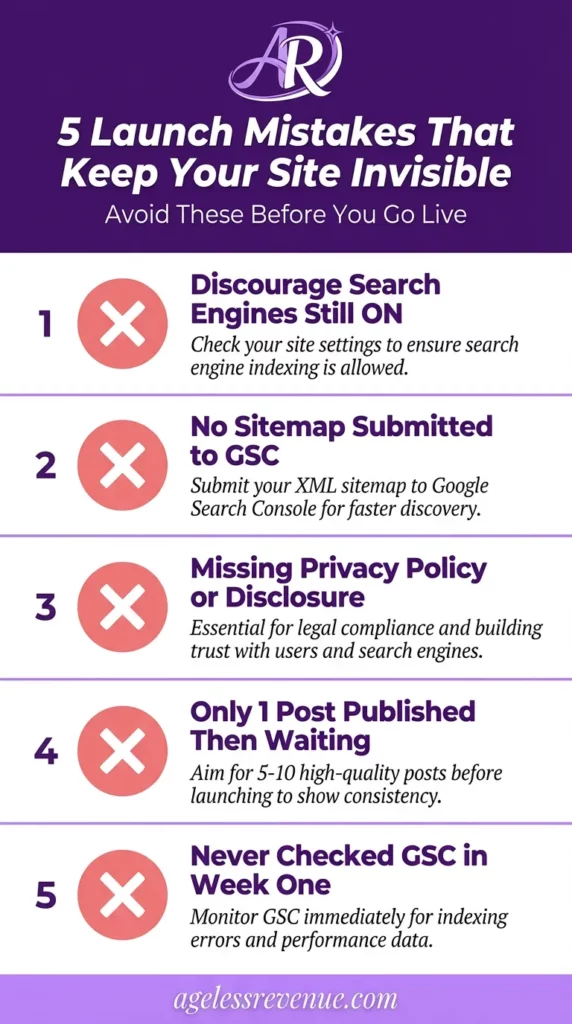
Mistake 1: Leaving “Discourage Search Engines” turned on
Your site can look completely finished and still be hidden from Google because of a single unchecked box. Check 1 in this guide covers exactly where to find it.
Mistake 2: Skipping the sitemap submission
Publishing posts without a submitted sitemap is like opening a shop without listing it anywhere. Google will find you eventually — but sitemap submission can reduce that timeline from months to days.
Mistake 3: Missing a Privacy Policy or Affiliate Disclosure
These are not optional. Amazon Associates checks for both pages before approving applications. Missing either one can get you declined — or removed from a program after you’ve already joined.
Mistake 4: Publishing one post and waiting
Google wants consistent signals that your site is active. Publish your second post within 3–5 days of launch — even a short, focused piece. The publishing habit matters as much as the quality of any single article.
Mistake 5: Not checking GSC in week one
GSC tells you within 24–48 hours whether your site has been found and whether there are indexing errors. Checking on Day 2 and Day 7 takes five minutes and catches problems before they compound into weeks of lost visibility.
FAQs
How long before Google indexes my site after launch?
Most new sites see their first impressions in GSC within 1–4 weeks of sitemap submission. Using URL Inspection to request indexing on specific pages can speed this up considerably.
What if GSC says “URL is not on Google” after a week?
First, confirm “Discourage search engines” is unchecked in Settings → Reading. Then re-request indexing. If the page is still not indexed after two weeks, verify your sitemap is submitted in GSC and showing “Success.”
Do I need social media on launch day?
No. One post shared in one place is enough. Social media becomes more useful later — after you have 10+ posts and a consistent publishing rhythm.
What’s the difference between submitting a sitemap and requesting indexing?
Sitemap submission gives Google a full map of your site. URL Inspection / Request Indexing asks Google to crawl specific pages now rather than in its own time. Do both — they work together.
When should I apply to affiliate programs?
Once your site has: a Privacy Policy, an Affiliate Disclosure, an About page, a Contact page, and at least 3–5 published posts. Most beginner-friendly programs approve sites that look active and credible, even if they’re still small.
You’ve Launched — What Comes Next
Launching correctly is one of the highest-leverage things you can do for your long-term SEO. The 12 steps in this checklist — legal pages, sitemap, indexing, internal links, GA4 — give Google everything it needs to find and rank your content.
From here, your job is straightforward: publish helpful posts consistently, add internal links, and check GSC once a week.
Still building your site? Start with the full build guide first:
→ Start Your First Affiliate Site — Step-by-Step Guide (2026)
Want the free checklists that go with this guide?
→ Grab the Affiliate Marketing Starter Kit
Looking for training, hosting, and support in one place?
→ Wealthy Affiliate — my recommended starting point for retirees
Leave a Reply